Favorites
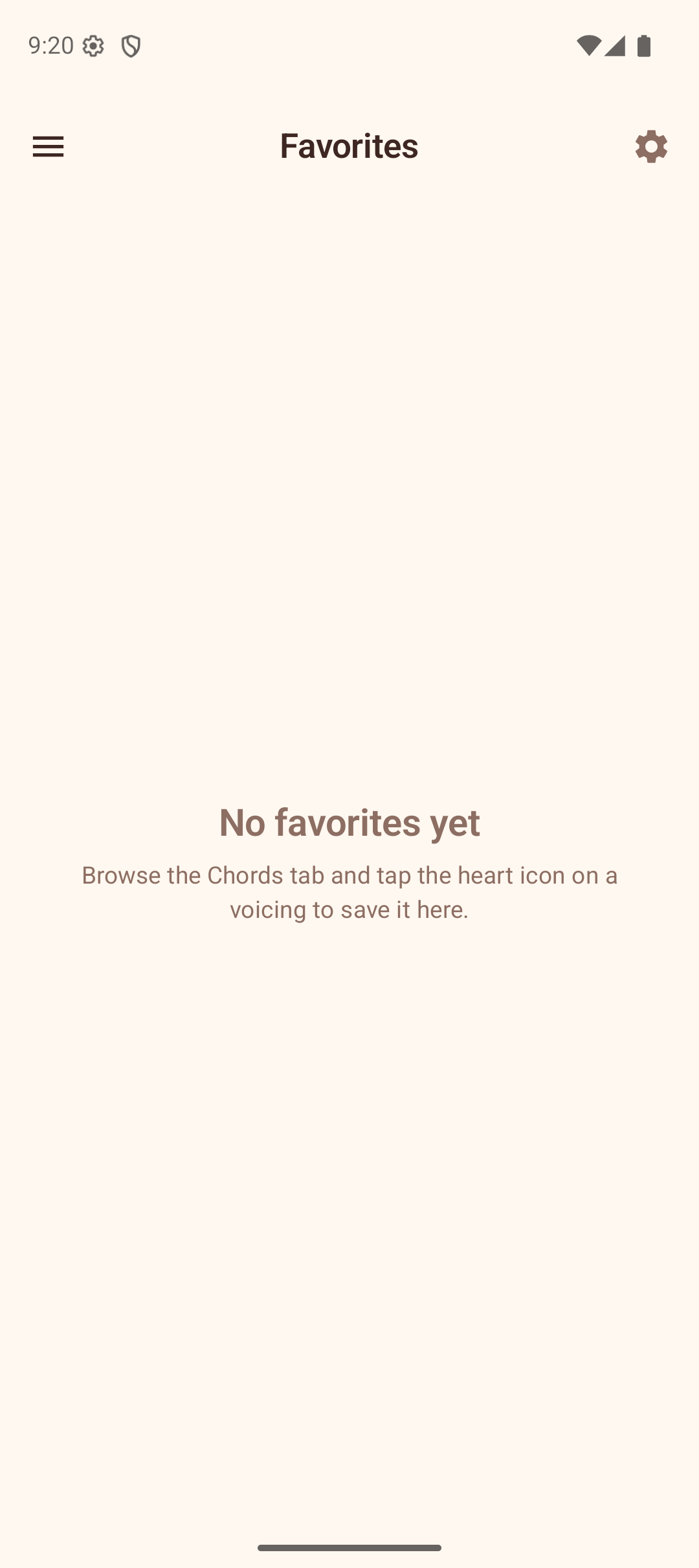
The Favorites section stores your saved chord voicings for quick access. You can organize them into folders for better management.
Saving a Favorite
To save a voicing to your favorites:
- Go to the Chords section.
- Find a voicing you like.
- Tap the heart icon on the voicing card — a filled heart confirms it has been saved. Tap again to remove it.
(Long-pressing a voicing diagram in the library opens the share action rather than saving it.)
Viewing Favorites
Open the Favorites section from the navigation drawer. Your saved voicings appear in a grid, showing the chord name and a mini fretboard diagram for each.
- Tap a voicing to load it onto the Explorer fretboard.
- Tap the heart icon on a voicing to remove it from favorites.
Organizing with Folders
Favorites can be organized into folders using the filter chips at the top of the screen:
- All — shows every saved voicing with a count (default).
- Your folders — each folder you create appears as a chip with the count of voicings inside.
Creating a Folder
- Tap the + chip at the end of the filter row.
- Enter a folder name in the dialog.
- Tap Create.
The new folder appears as a chip in the filter row.
Assigning Voicings to Folders
- Tap the folder icon on any voicing.
- A bottom sheet titled "Save to Folders" (or "Manage Folders") appears listing all your folders, each with a checkbox.
- Tick or untick the checkboxes to add or remove the voicing from folders. A voicing can belong to more than one folder. You can also create a new folder from this sheet, or remove the voicing from favorites entirely.
Deleting a Folder
Tap the delete icon on a folder chip. The folder is removed and any voicings it contained are simply unassigned from it. The voicings themselves remain in your favorites.
Tips
- Use folders to group voicings by song, practice session, or chord type.
- A voicing can live in several folders at once — tick as many as you like in the folder sheet.
- The "All" chip always shows your complete collection regardless of folder assignments.
- Removing a voicing from favorites (via the heart icon) deletes it entirely, while removing it from a folder keeps it saved.