Pitch Monitor
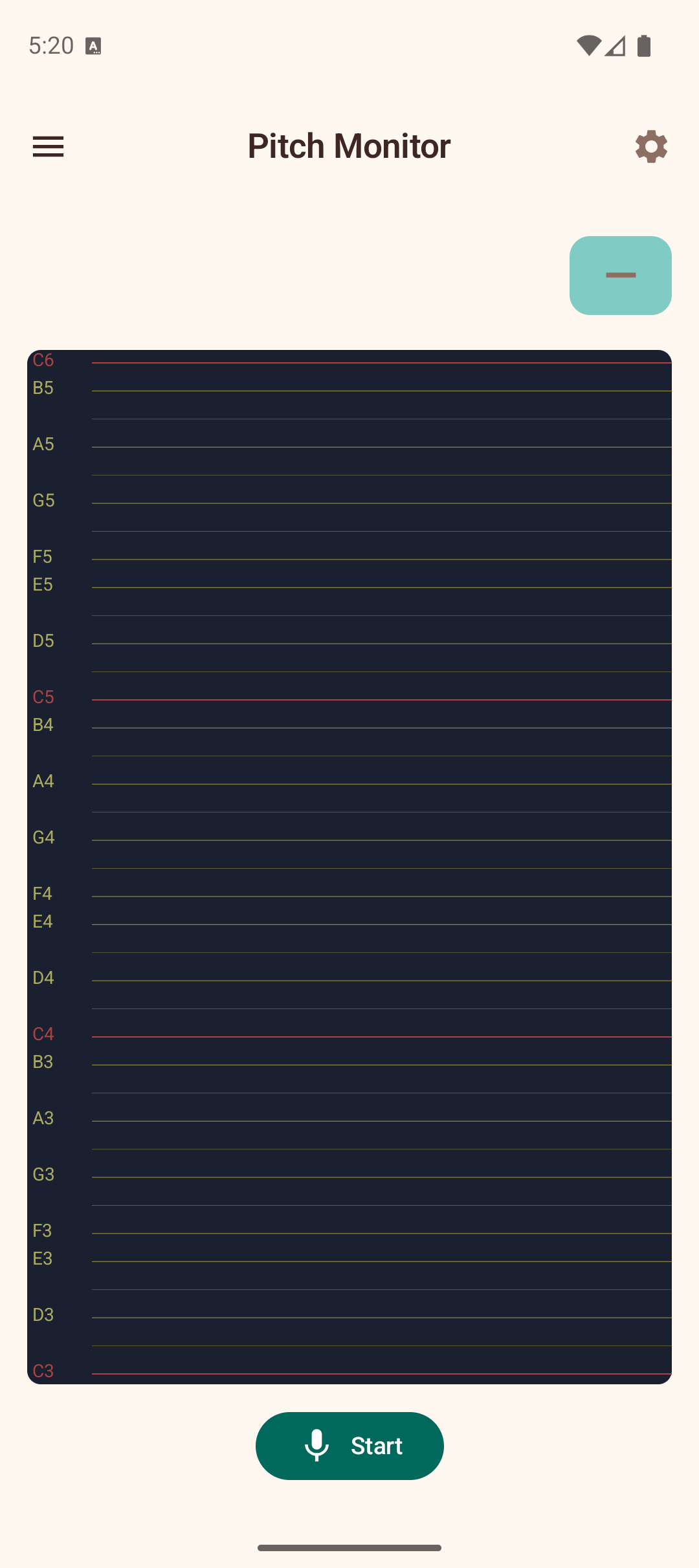
The Pitch Monitor provides a real-time scrolling visualization of pitch as you play. It displays a piano-roll-style canvas that shows your pitch over time, making it useful for practicing intonation, vibrato, and melodic accuracy.
How to Use
- Tap Start to begin listening through the microphone.
- Play notes on your ukulele.
- A blue pitch trace line appears on the scrolling canvas, showing the detected pitch over time.
- The most recently detected notes appear as chips above the canvas, and if a chord is formed, the chord name is displayed.
Pitch Canvas
The main visualization is a dark scrolling canvas:
- Y-axis — MIDI notes from C3 to C6, covering the full ukulele range. Note names are labeled on the left margin.
- X-axis — Time, scrolling right to left. Approximately 8 seconds of history are visible.
- Gold horizontal lines — Mark natural notes (C, D, E, F, G, A, B). Red lines mark C notes for octave reference.
- Blue trace — A line connecting detected pitch points, showing your pitch trajectory over time.
- Amber glow bands — Chromagram energy visualization showing which pitch classes are most active.
Chord Detection
As you play, the Pitch Monitor collects detected notes and identifies chords. The chord name appears prominently above the canvas. If the notes form an arpeggio (played one at a time rather than simultaneously), an "arpeggio" label is shown.
Tips
- Use the Pitch Monitor to practice playing scales and check if your finger placement is producing accurate pitches.
- Watch the blue trace to see how steady your pitch is — wobble indicates inconsistent fretting pressure.
- The chromagram glow helps you see which notes are ringing strongest, useful for diagnosing muted or buzzing strings.
- Adjust the Noise filtering slider in Settings if background noise creates unwanted pitch traces, or lower it to detect softer playing.